Getting Started
Login Screen
To get to the login screen, go to:
https://dc37.net/wp/wp-login.php
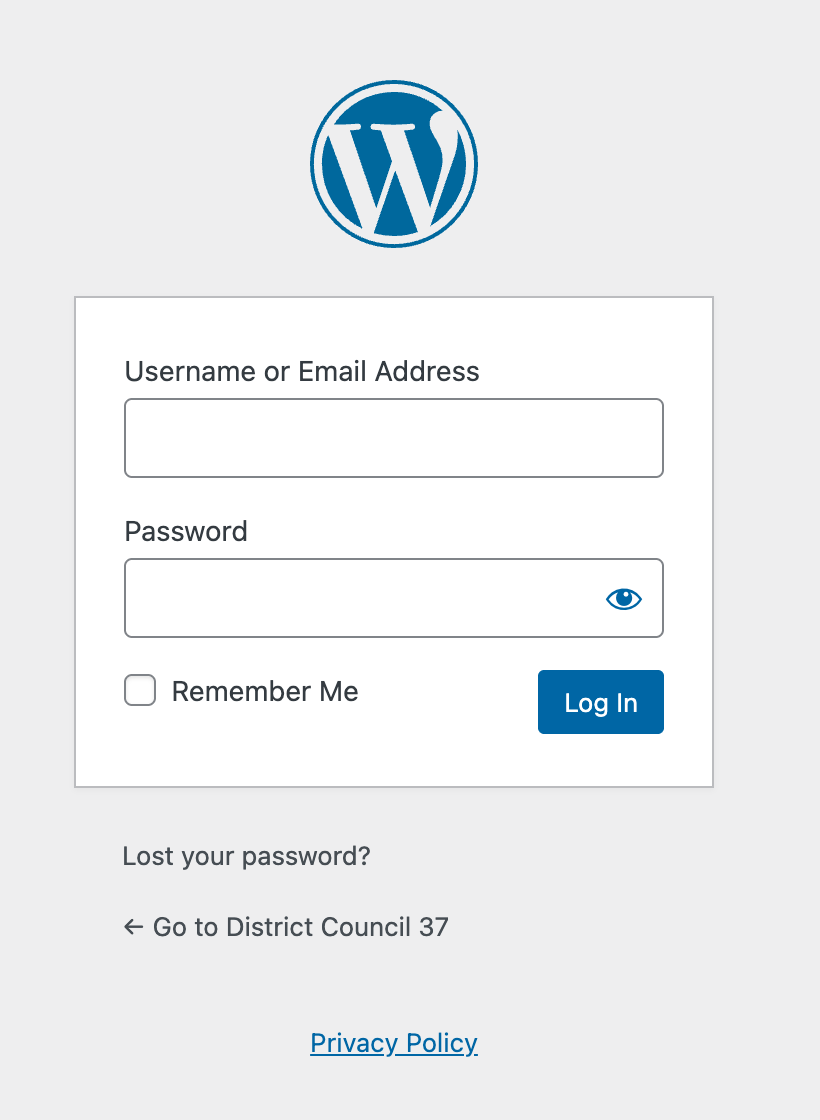
Enter your username (or email address) and password to log in.
Logging Out
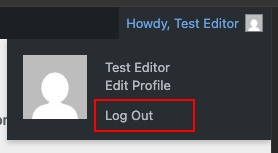
To log out of WordPress, go to your user profile icon in the top right of the toolbar. From the drop-down, choose Log Out.
Reset Your Password
In WordPress, there is more than one way to reset your password.
Forgotten Password
Generally, if you have forgotten your password, you will use the “Lost your password?” link on the main login page.
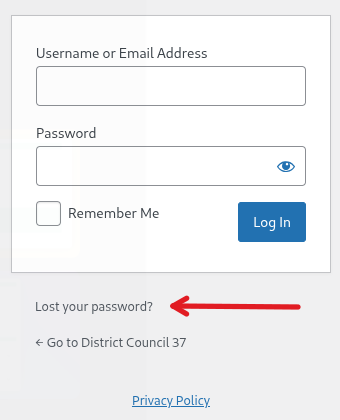
Click on the “Lost your password?” link.
You will be taken to a page to enter some details.
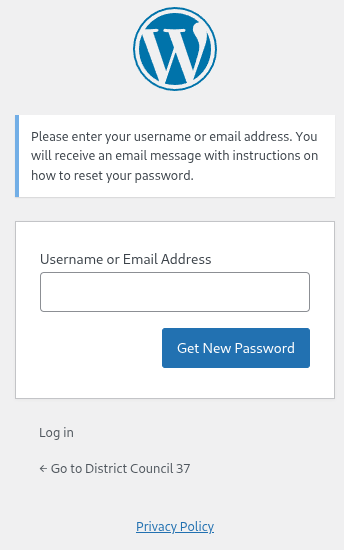
Enter your username or the email address on file for that account, and click the Get New Password button.
You will receive an email with the subject "[District Council 37] Password Reset".
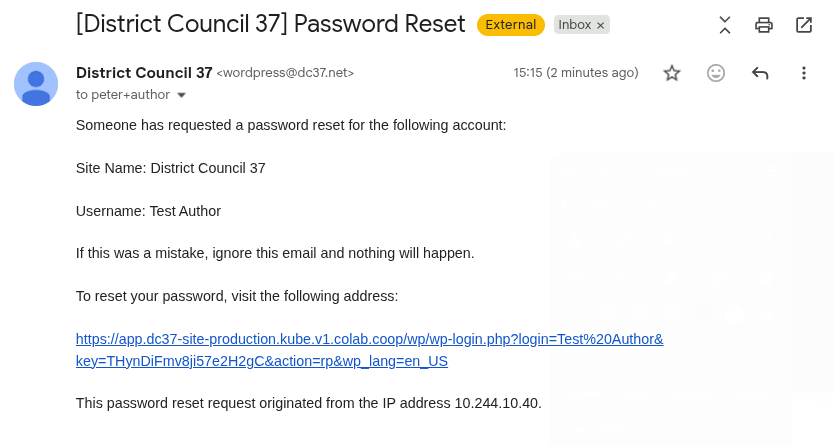
Click the link in the email to be logged into WordPress. The link can only be used once.
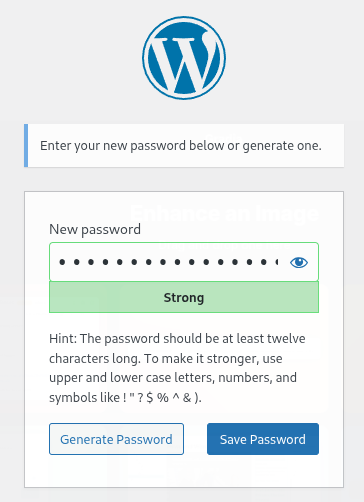
On the resulting form, you can either accept the auto-generated password, generate a new one, or type in your own. The form will indicate the security strength of your chosen new password.
Once you have a password you like, Click the Save Password button to save it. Be sure to take note of the new password, or save it in your password manager software.
Change password
If you are already logged in and you want to change your password, for example as part of your security practice, you can do that from the User Profile screen
In the Edit User screen, scroll down to the Account Management section and click the Generate Password button.
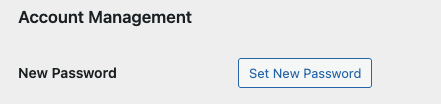
If you want to change the automatically generated password, you can overwrite it by typing a new password in the box provided. The strength box will show you how good (strong) your password is. You can also show and hide the text in the password field.
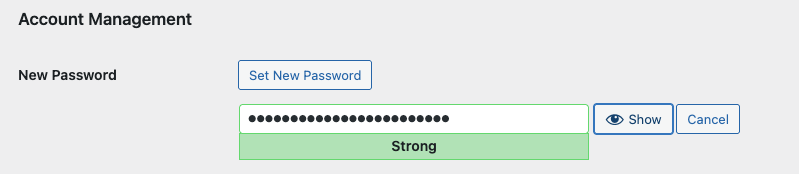
Click the Update Profile button at the end of the screen.
Your new password becomes active immediately.